Checking remote access
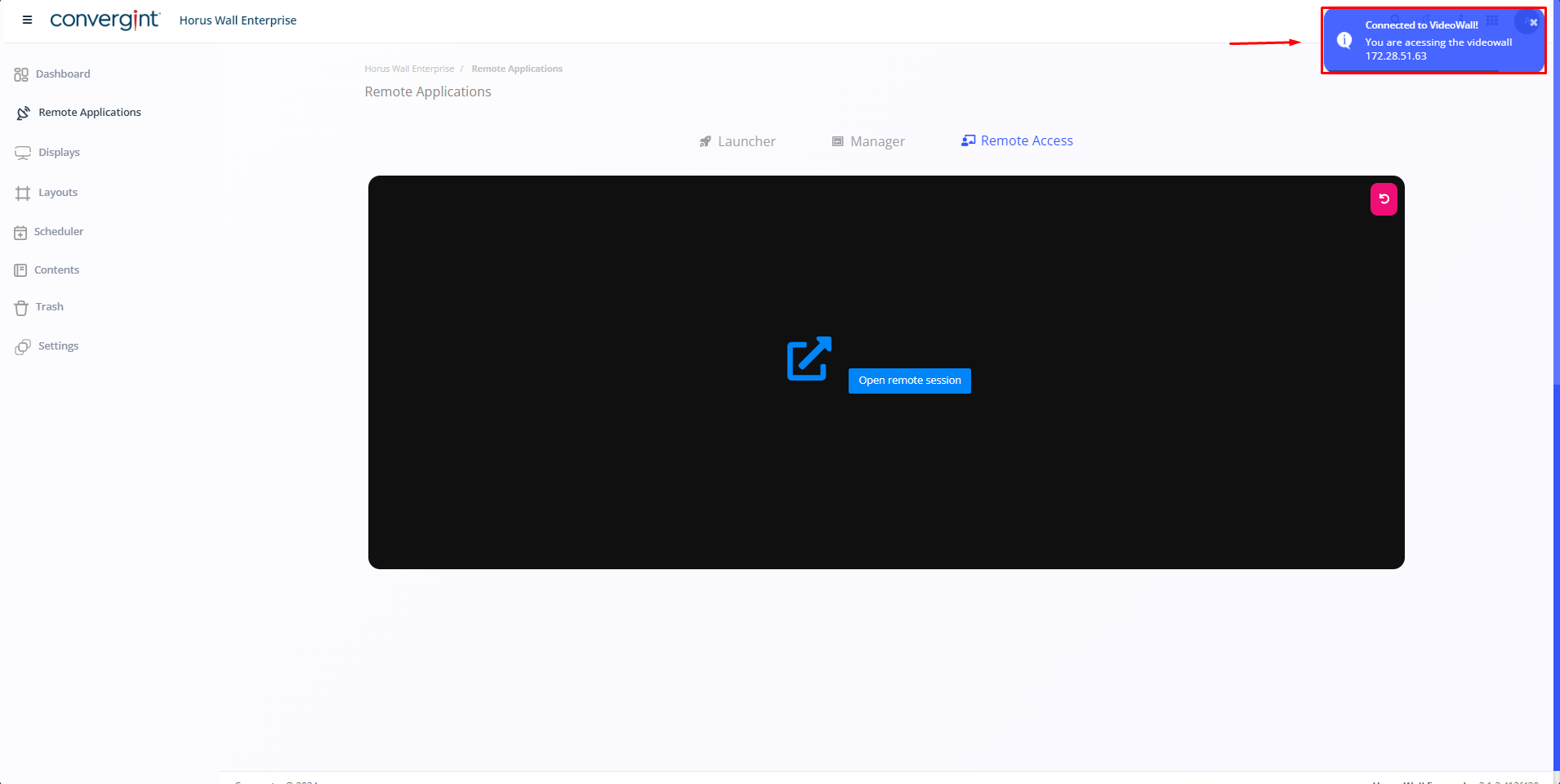
To check remote access, go to the “Remote Applications” tab. Then, in the top right-hand corner, you will see the “Remote Access” option. After carrying out all the necessary procedures, you will be able to check remote access and will have the option to “Refresh” in the top right-hand corner of the screen.
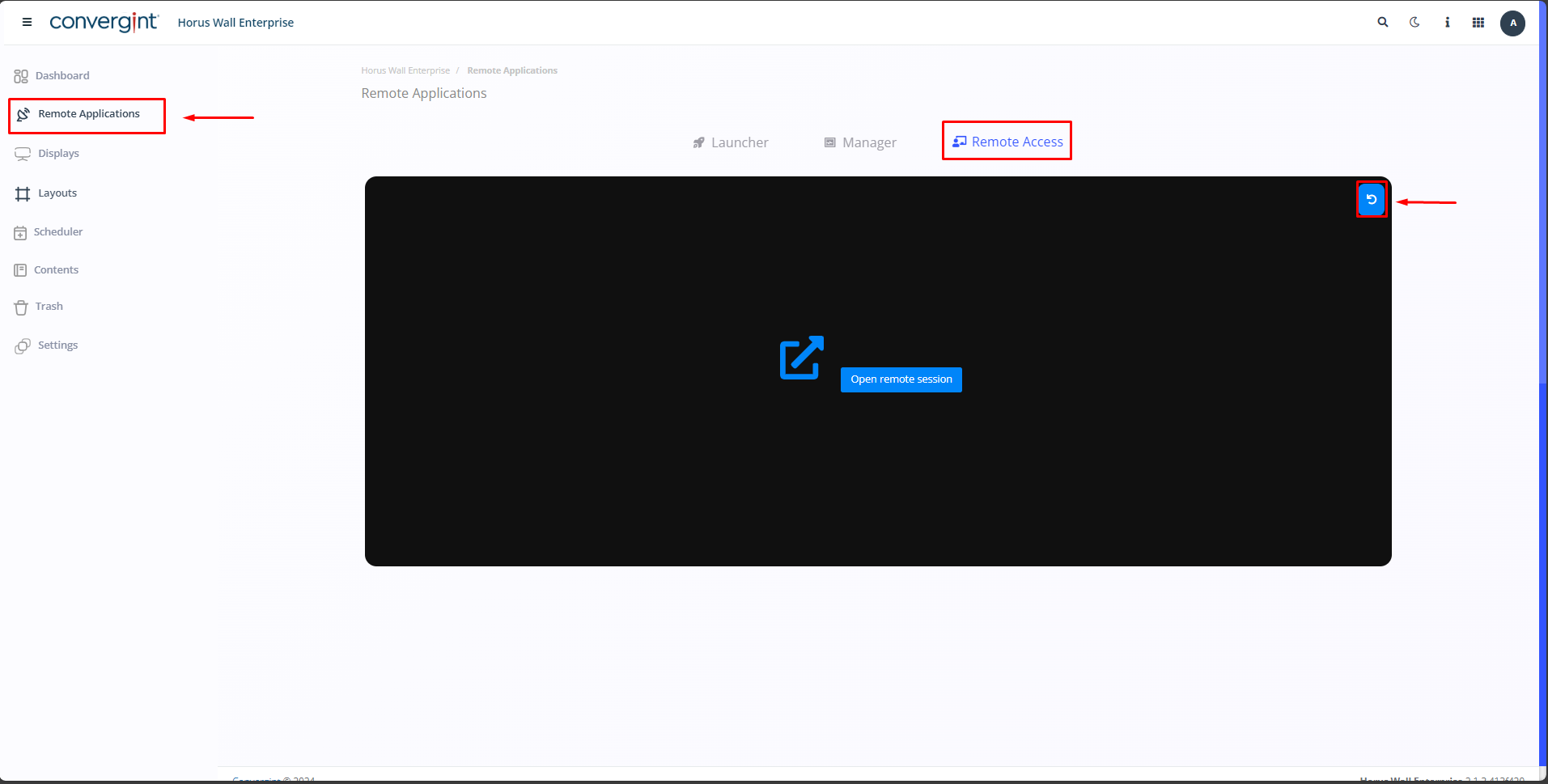
Clicking on “Refresh” will show you which machine the remote access is on, indicating where your videowall is connected. This functionality allows you to interact directly with the machine on which the remote application is running.